Hello everyone.
Today I'll show you how I fitted a dashcam (dash camera) to my BMW G650GS.
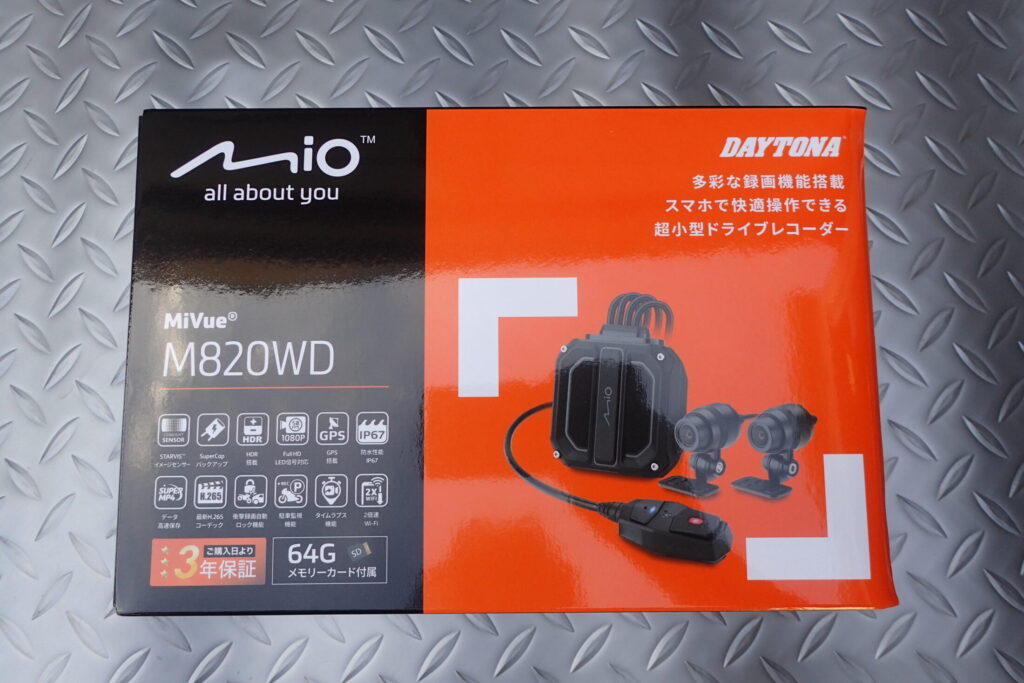
The dashcam I chose is the Daytona M820WD (a Mio MiVue model sold in Japan by Daytona).
I chose it for two reasons: it uses a STARVIS™ CMOS image sensor, and it comes from a maker I trust.
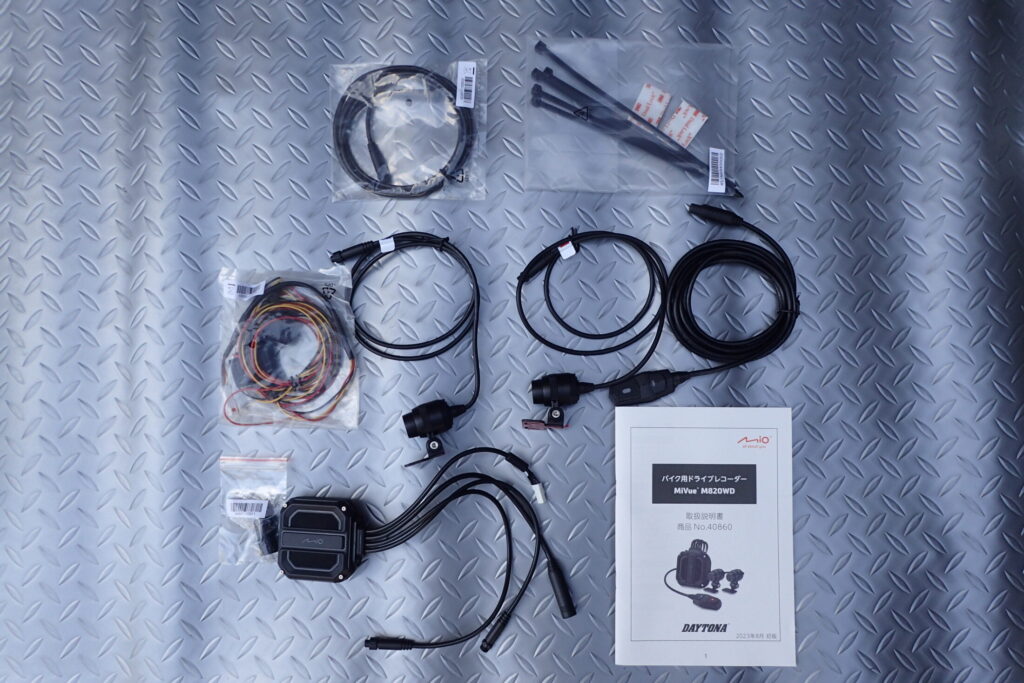
The photo above shows all the parts after unboxing.
I like that the main unit is compact, and that the connectors for the cameras and the remote are in different places so they can't be mixed up.
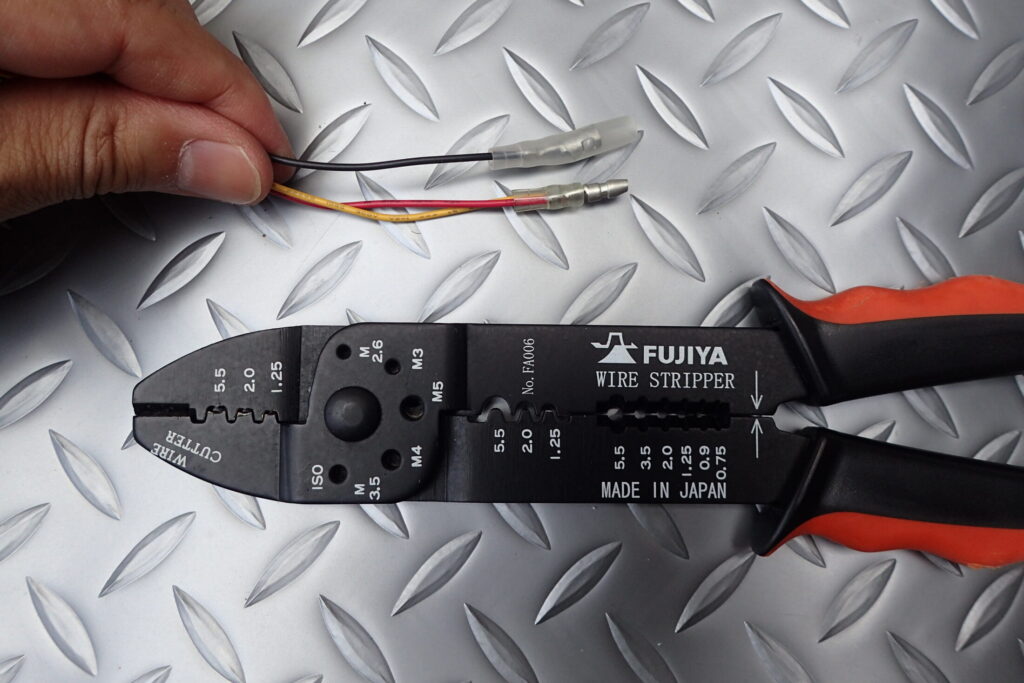
I modified the power lead a little.
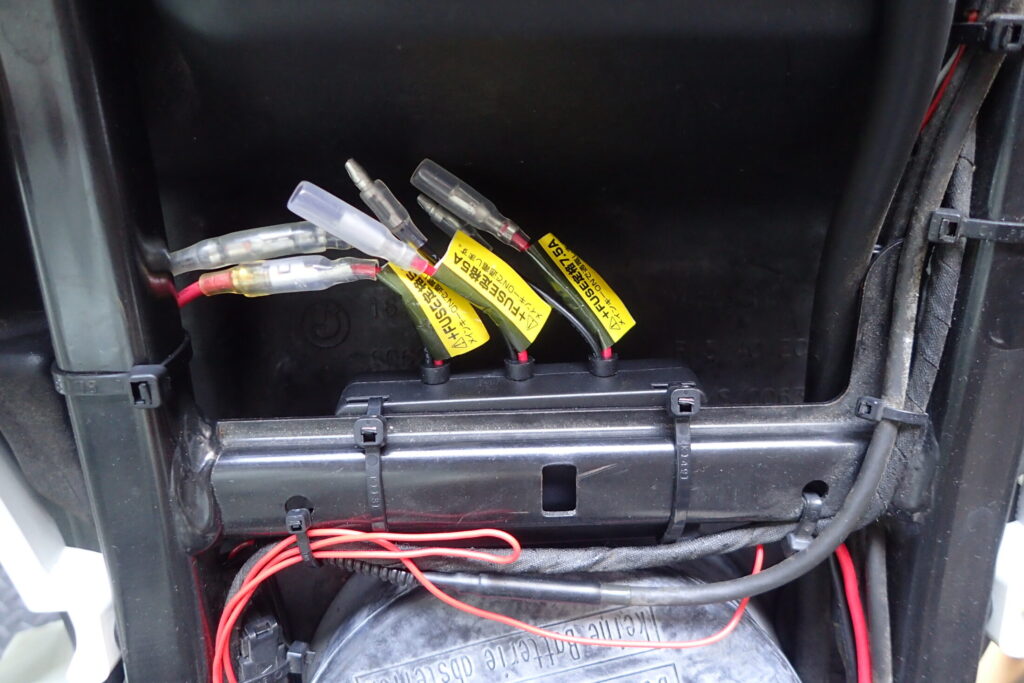
This bike has a Daytona D-UNIT fitted, so for power I just have to plug in the bullet connectors.
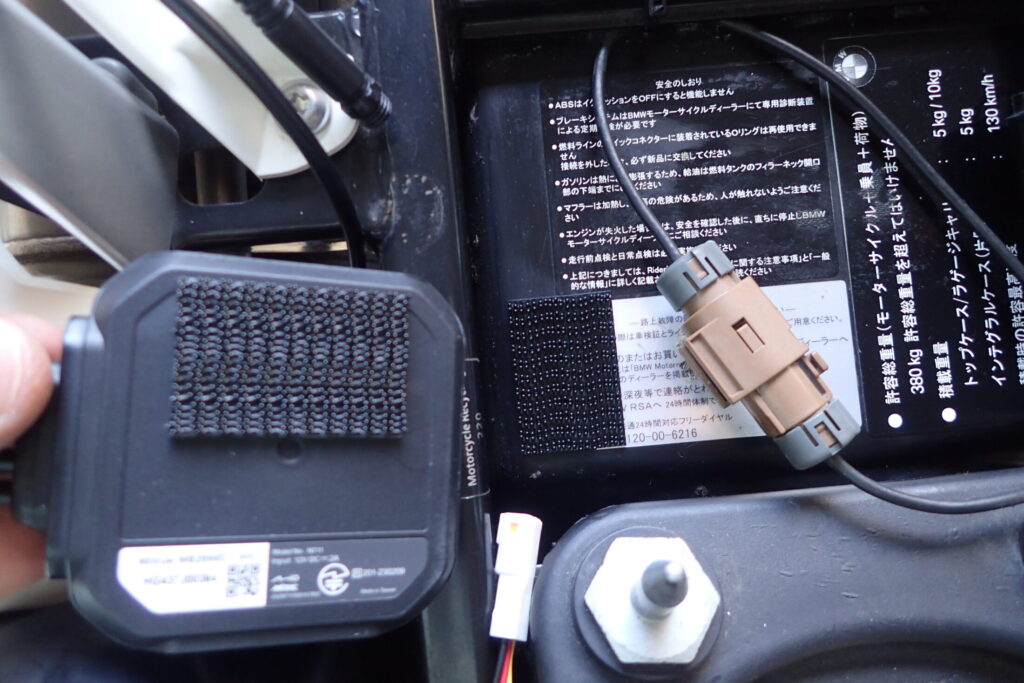
I put the main unit under the seat.
I fixed it with hook-and-loop tape (Velcro) so that I can take it out to remove the SD card.
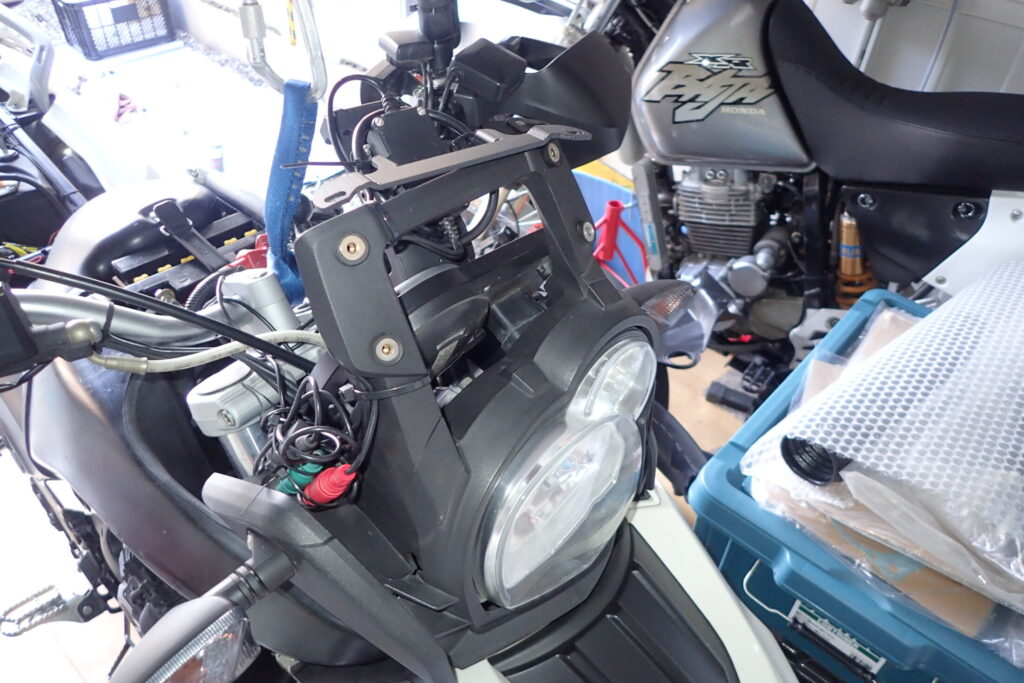
I decided to put the front camera above the headlight.
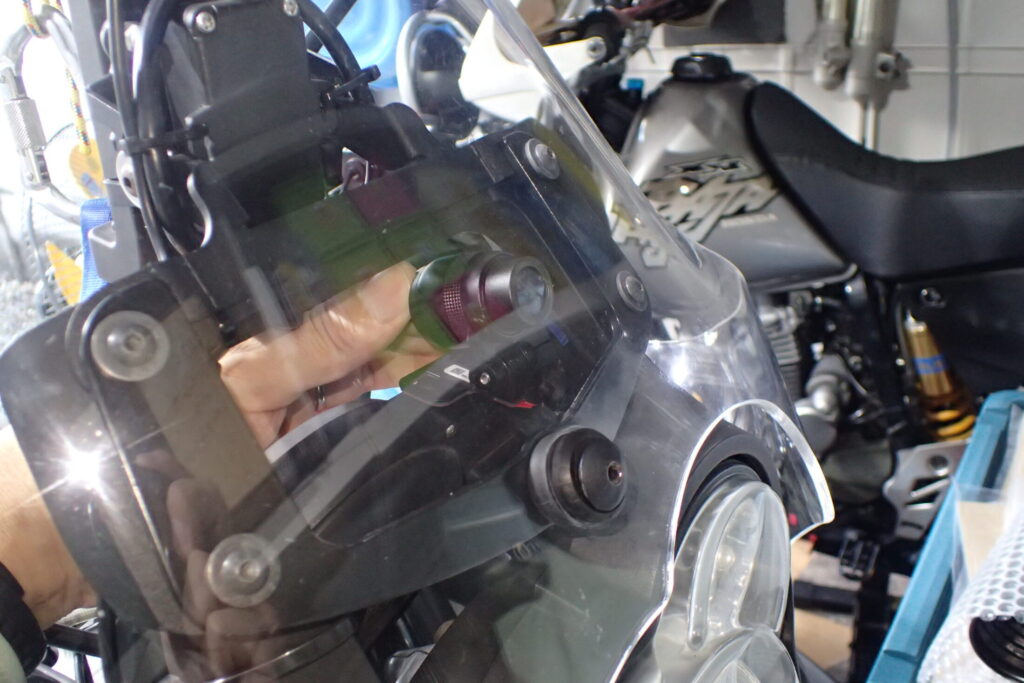
For now, I tried fitting it on the inside of the screen.
If it doesn't work well, I'll move it later.
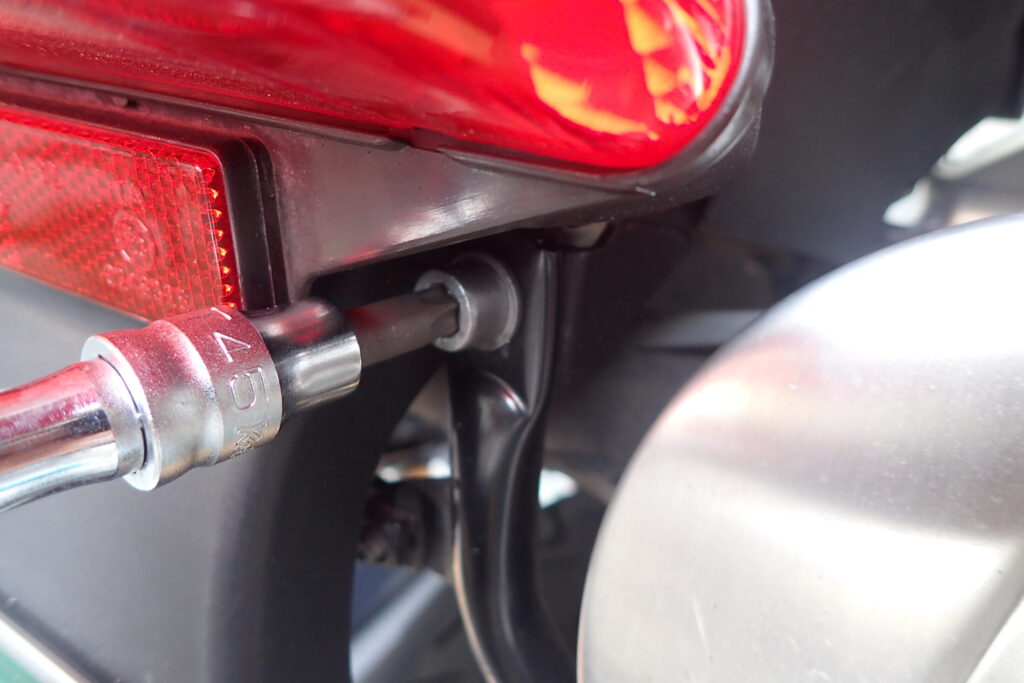
At the rear, I decided to use the bolt that holds the side pannier rack, below and to the right of the brake light.
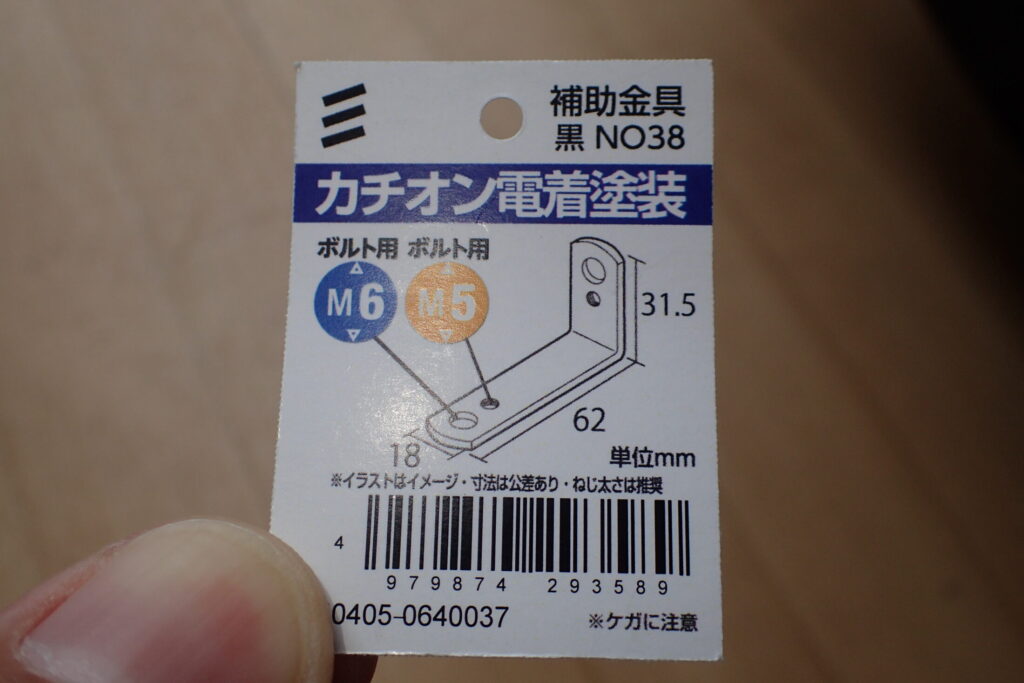
I bought an L-shaped metal bracket at a DIY store to mount the rear camera.
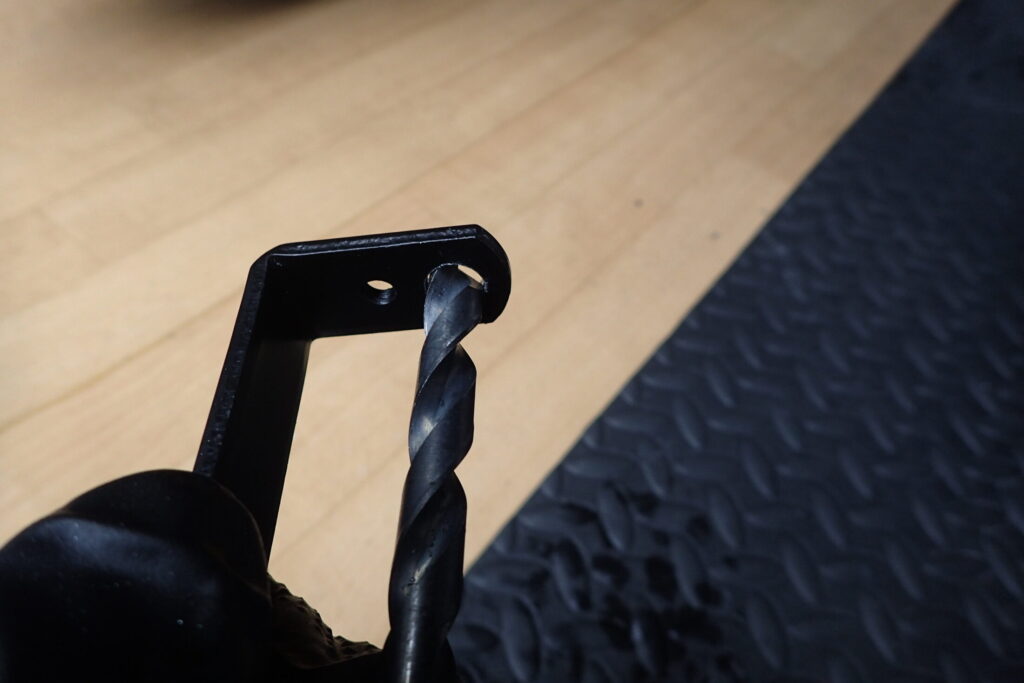
The hole didn't match, so I enlarged it a little.
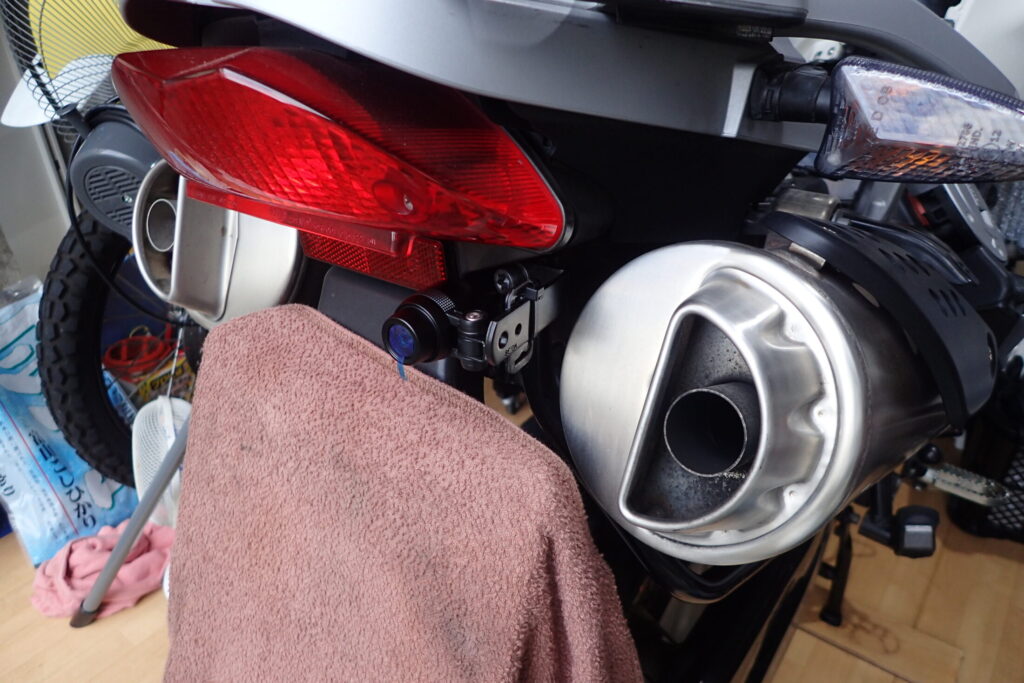
Skipping ahead, the fitting is done.
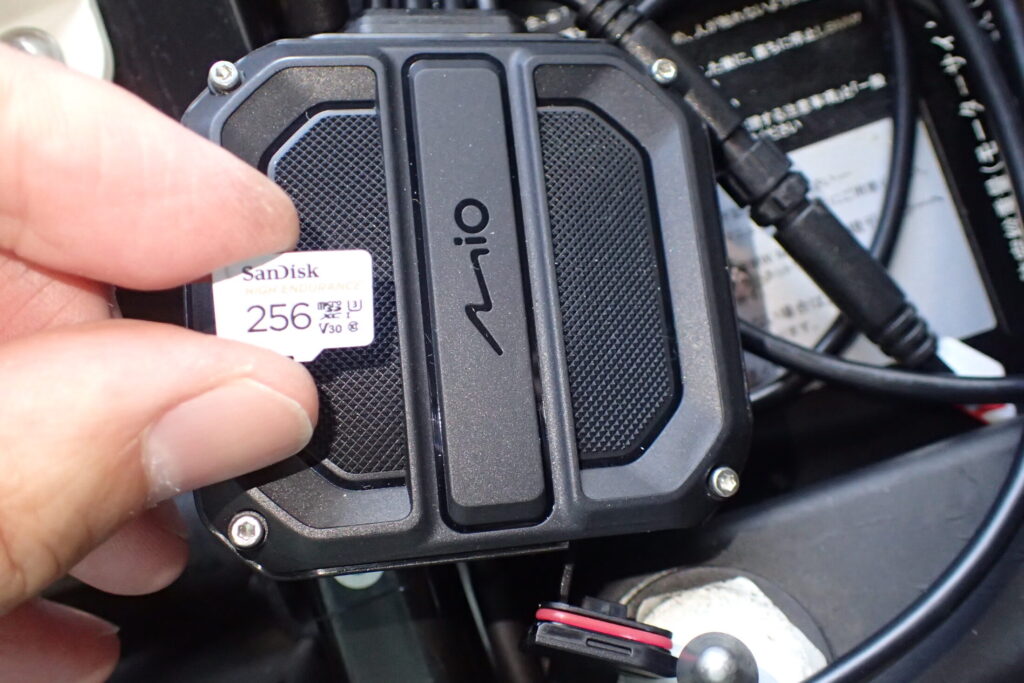
Insert the SD card into the main unit.
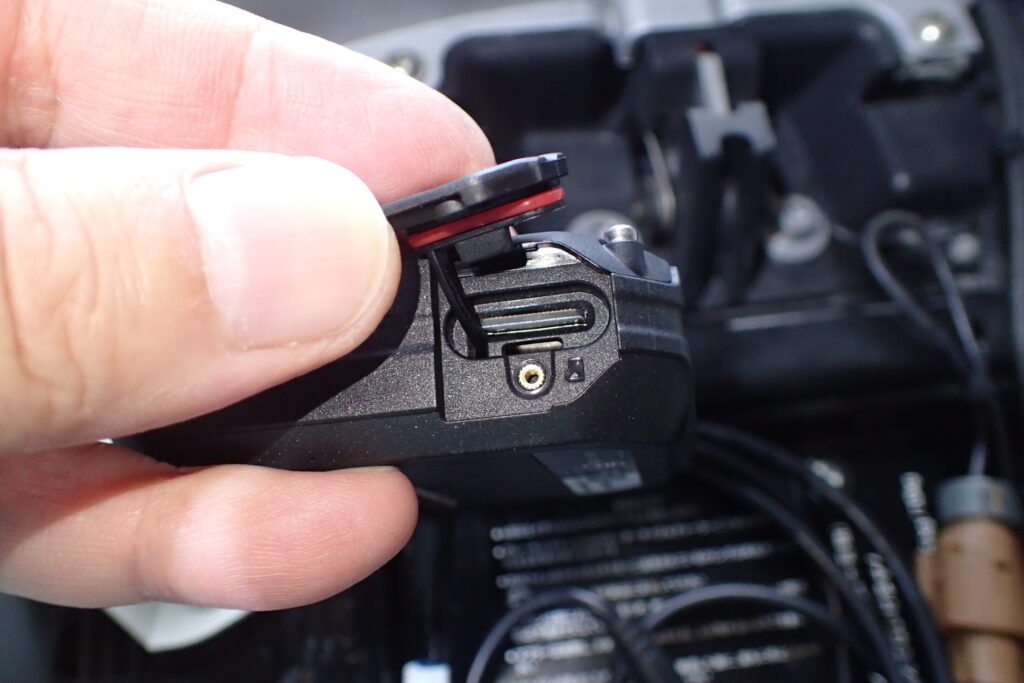
The SD card cover is waterproof, with a rubber seal, and is also held by a screw.
I think I'd lose the screw on the road, and the unit is under the seat where water won't get in, so it seems fine to leave the screw out.
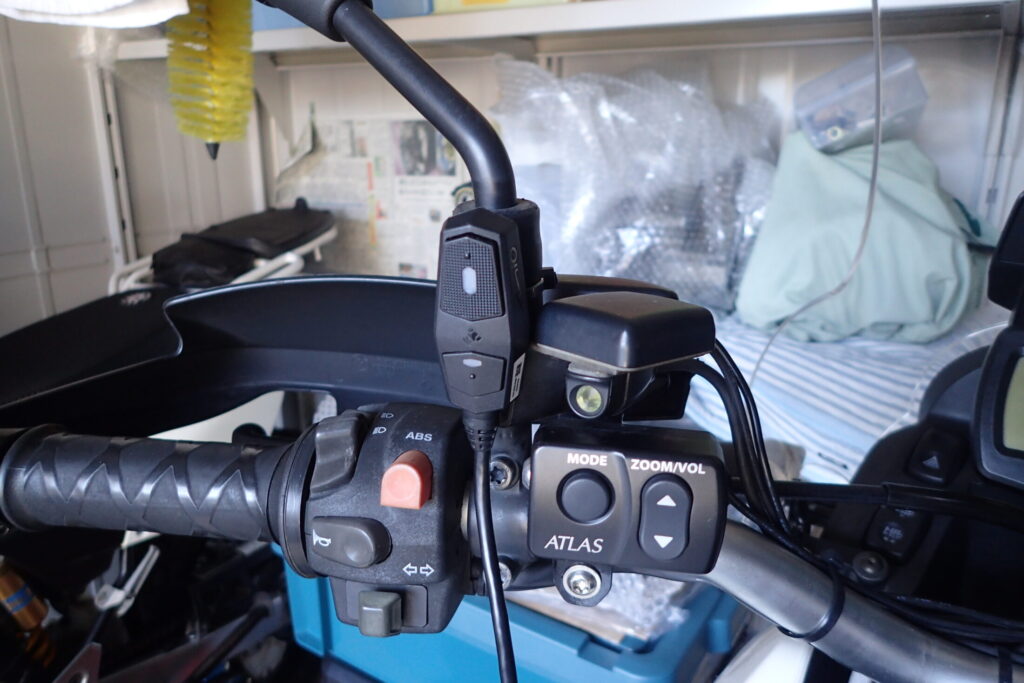
Next, I fit the switch you press when you want the dashcam to save a clip on purpose.
The switch should be somewhere you can press it quickly when something happens, so I put it at the mirror mount on the handlebar.
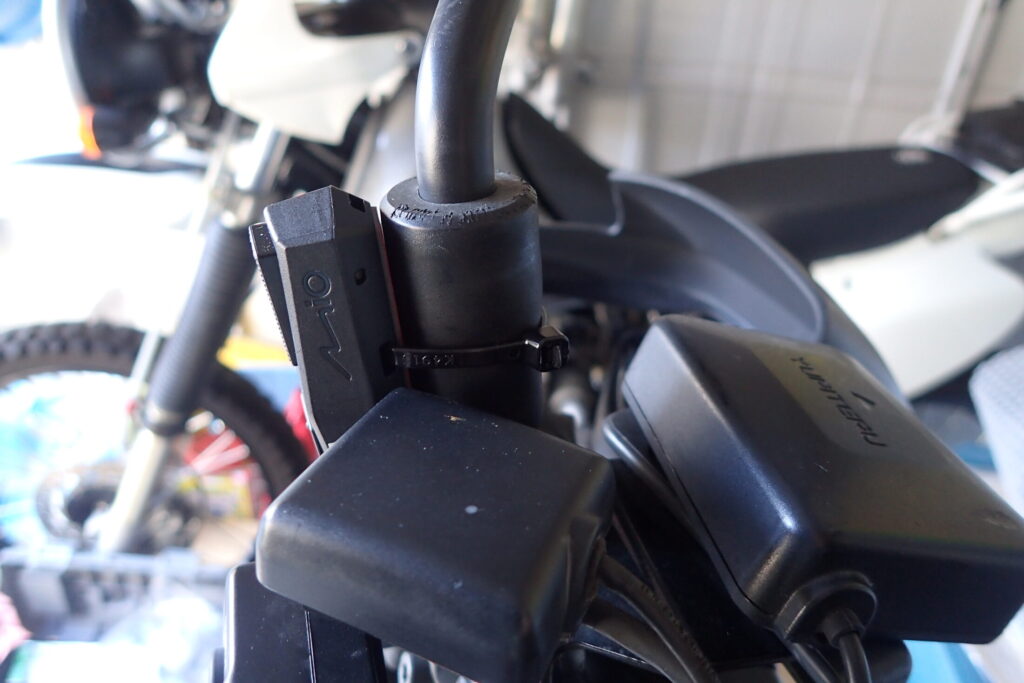
The back of the switch has a hole for a cable tie, so I just used that to fix it.
That's it: a simple job, but the dashcam is now fitted!
I also fitted the same Daytona M820WD to my Honda X-ADV. Here is how I mounted the front and rear cameras on it.