Hello everyone.
Following on from the G650GS, today I'm removing the battery from my Honda XR250 BAJA (the Japan-market XR250 / MD30) as part of getting it ready for winter.
Here's the G650GS battery job:
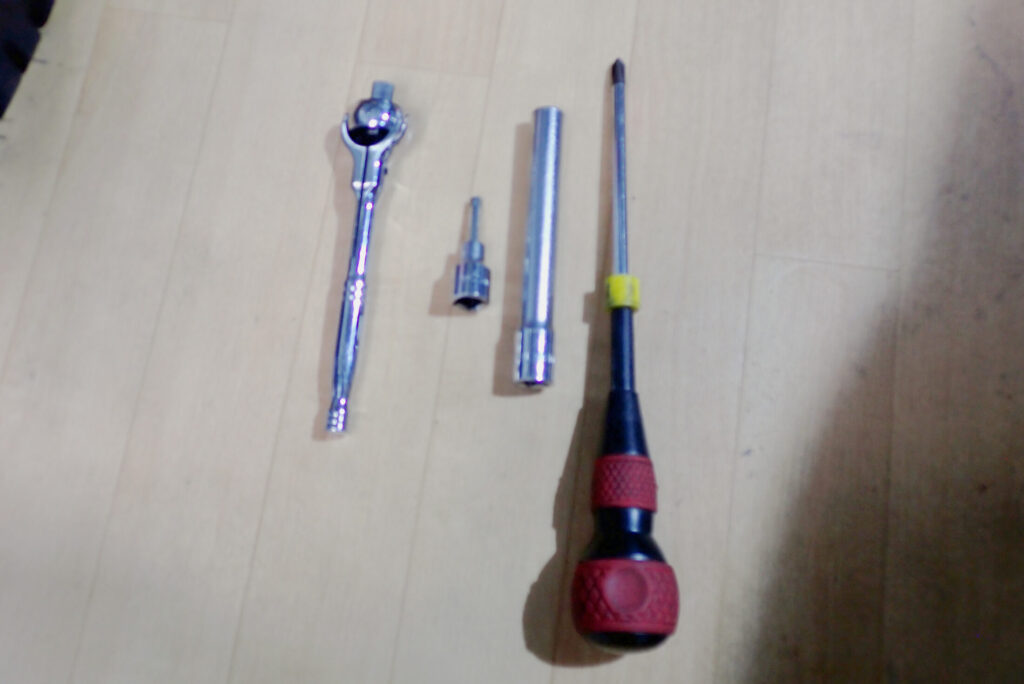
First, the tools you need.
- 4 mm hex socket
- 10 mm socket (the photo shows a deep socket, but a normal one is fine)
- Ratchet
- Phillips screwdriver
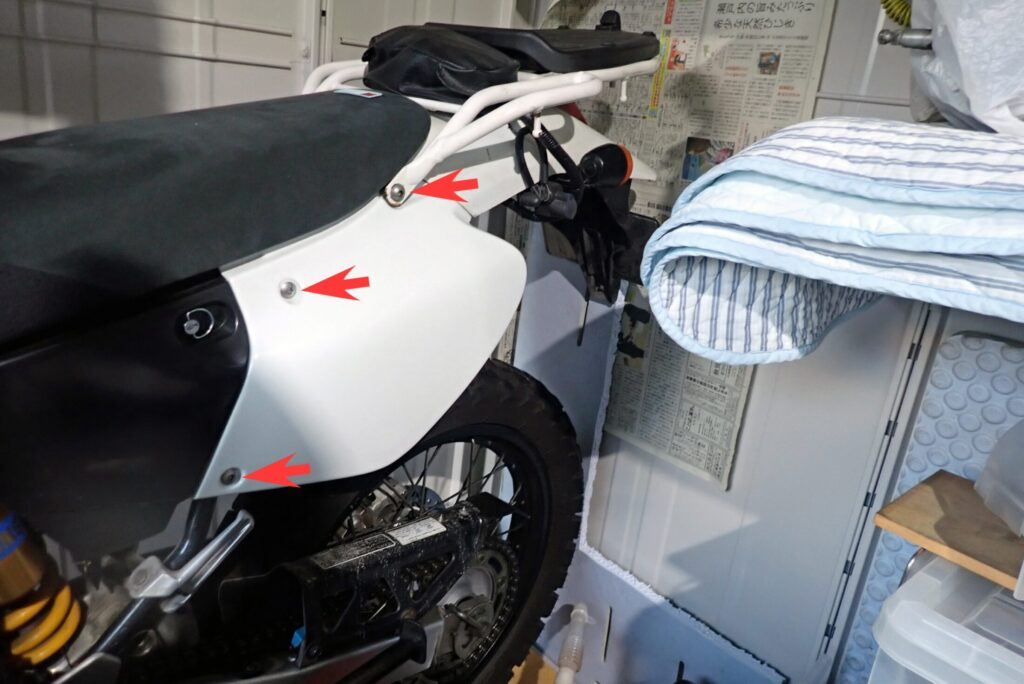
Not just the XR BAJA but (probably) off-road bikes in general are easy to work on, so the battery should be easy to get out.
To remove the BAJA's battery, take out the three bolts marked with red arrows in the photo above.
The top bolt also holds the rear carrier and seat, and it has a collar and a flanged collar, so be careful not to lose them.
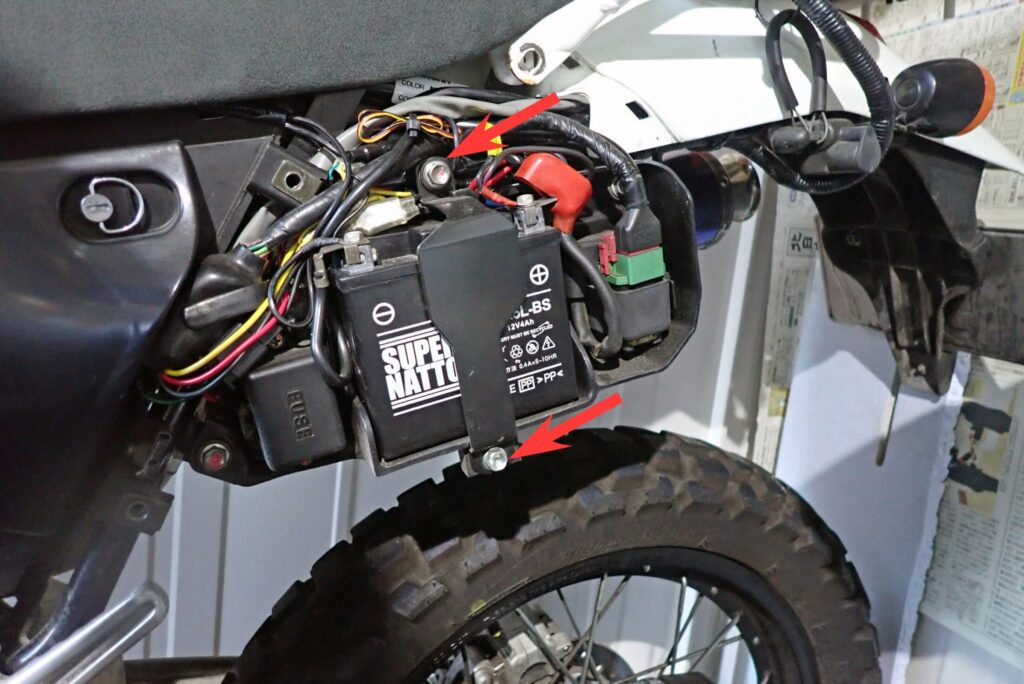
The two bolts marked with red arrows in the photo above hold the battery in, so remove them.
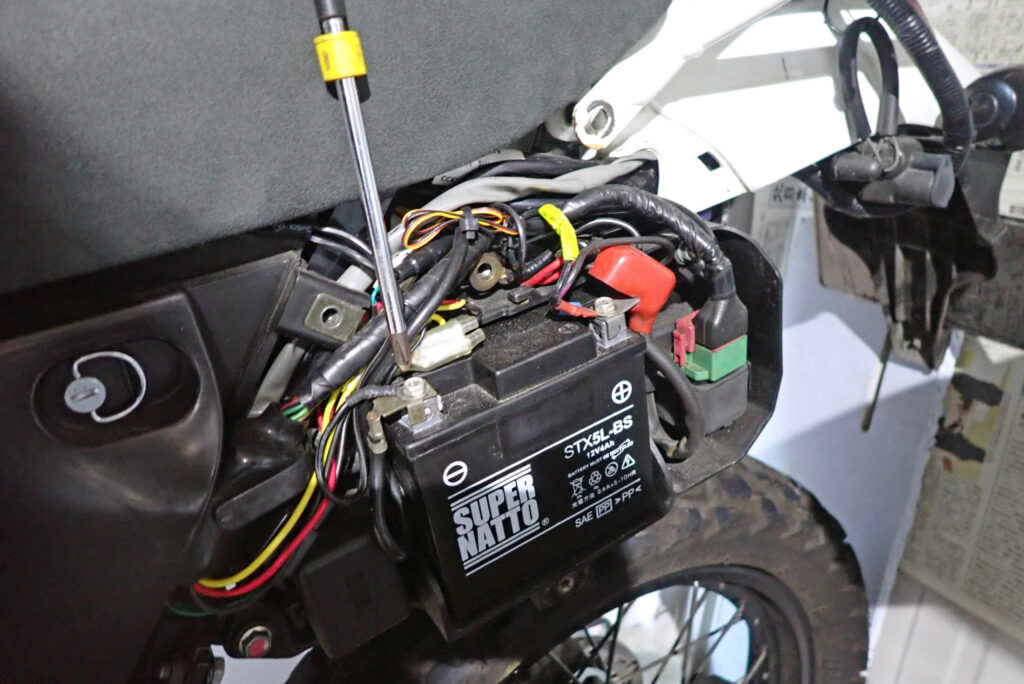
Next, disconnect the battery's negative terminal.
Once it's off, make sure the terminal can't touch the battery's negative post (cover it with a plastic bag, tape it up, etc.).
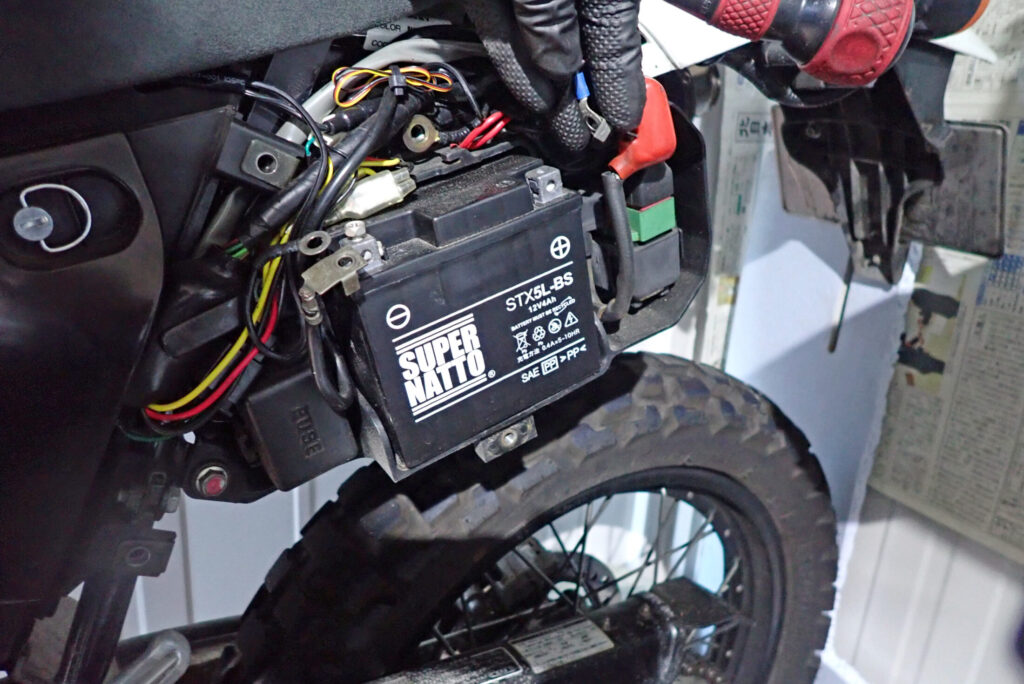
With the negative off, disconnect the positive terminal as well.
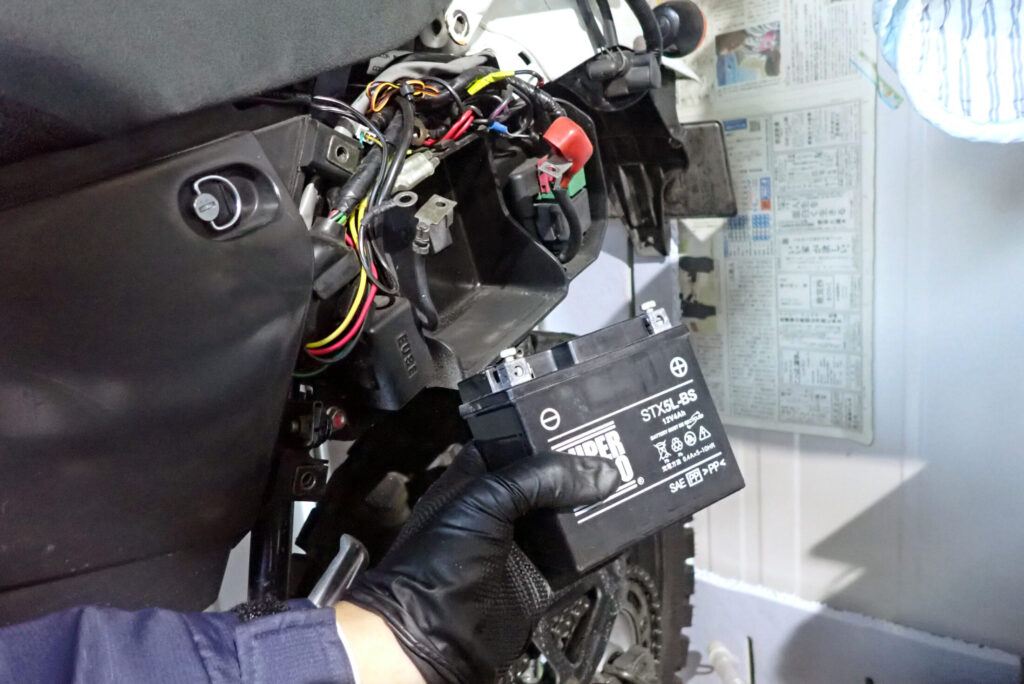
And the battery is out.